How Runway works
Runway is a business-travel app for teams. After signing in, you can search live flights and stays, apply company policy, save a trip request, record payment, manage expenses, and track rewards.
Sign in, then search
The current live preview requires an account before you can open Flights, Stays, or any company page. Create an account with your work email, verify that email, then sign in.
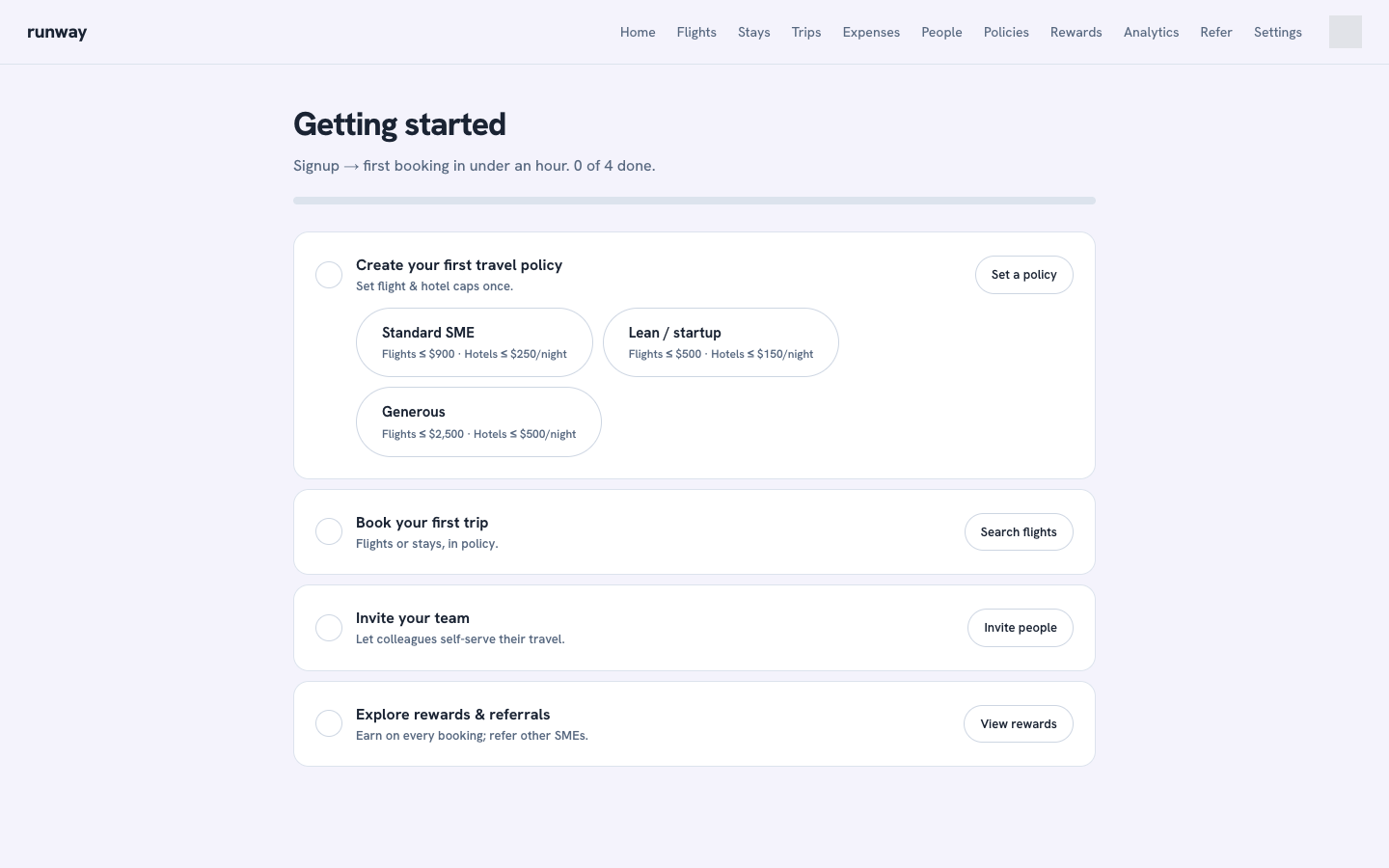
Get set up in four steps
The Getting started checklist walks a new team through setup. Most teams finish in under an hour:
- Create your first travel policy: admins set fixed flight and hotel caps. Members can view policy but cannot change it.
- Book your first trip: search flights or stays, review the choice, and save the request.
- Invite your team: create an invite link under People and share it directly.
- Explore rewards and referrals: bookings earn points and a qualifying referral earns Runway Balance.
What you can do
- Search live flight fares and hotel availability.
- Apply policy automatically against active fixed caps.
- Save pending requests for approval, payment, and later supplier confirmation.
- Manage expenses with categories, cost codes, notes, and receipt uploads.
- Manage company setup through People, Policies, Company settings, and Traveler profile.
Not a supplier confirmation
The current app deliberately stops before vendor order and ticketing APIs. A trip marked pending ticketing or pending reservation is saved in Runway but is not yet confirmed by the airline or hotel.