Search flights
Sign in, search live fares, apply filters, and review a flight request with your company policy checked as you go.
Search flights
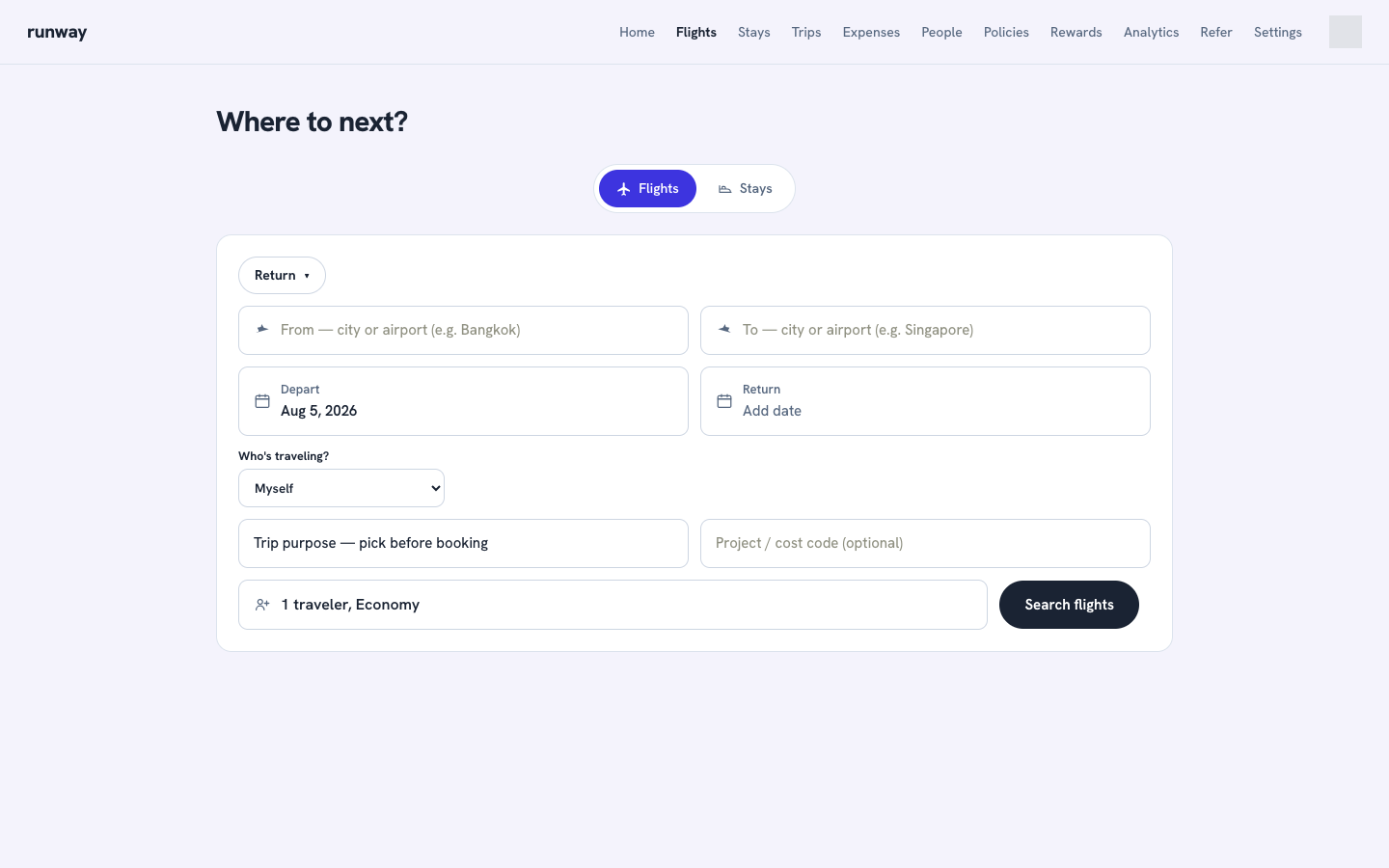
- Open Flights.
- Choose Return, One-way, or Multi-city.
- Enter where you are flying From and To. Select an airport from the suggestions.
- Pick the travel date or dates.
- Open Travelling to set adults, children, infants, and cabin class.
- Select Search flights. Live fare searches can take a little while.
Compare results
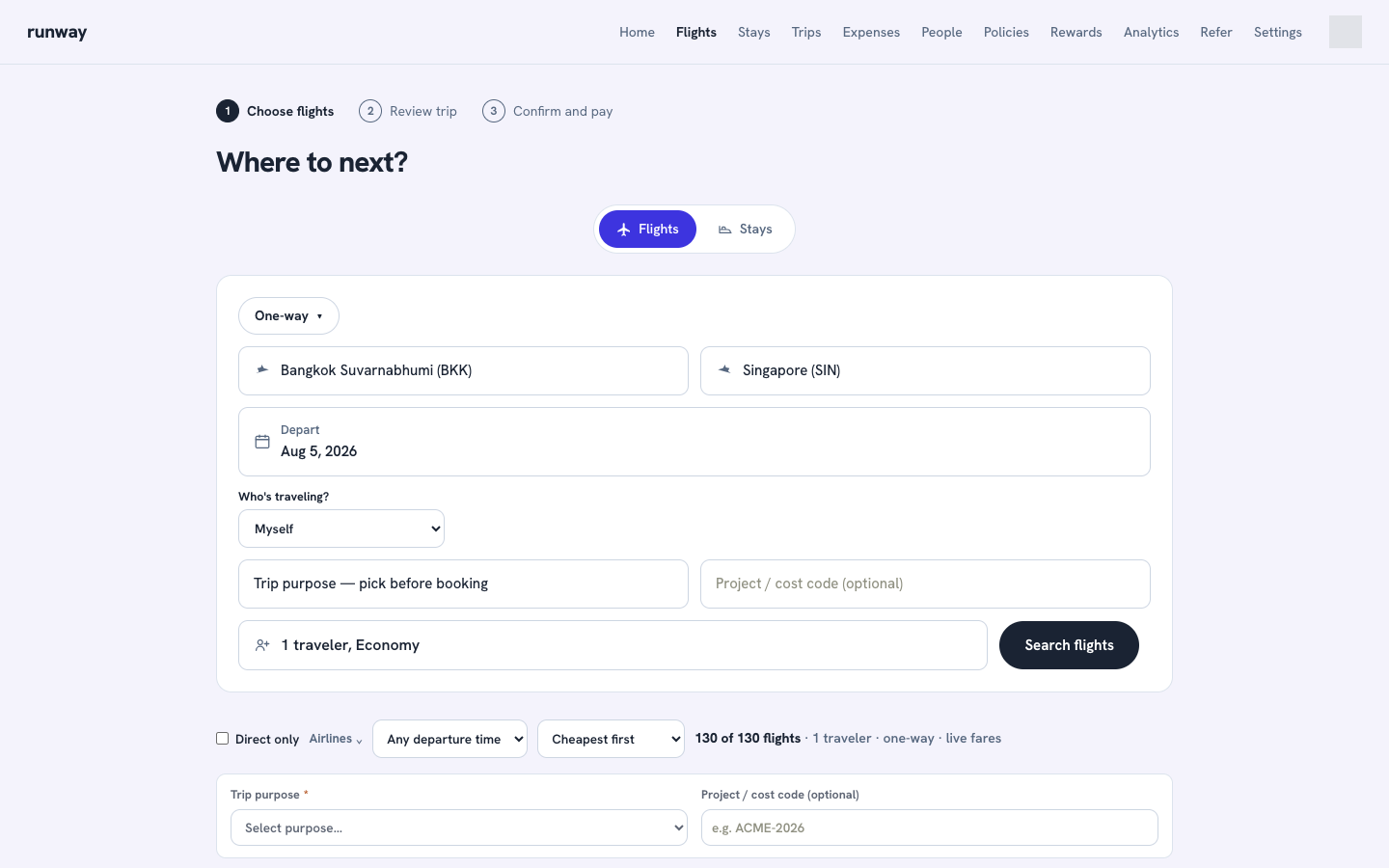
Results show the number of live fares found and start with the cheapest. You can:
- Show direct flights only
- Filter by airline
- Filter by morning, afternoon, evening, or night departure
- Sort by cheapest, fastest, or earliest departure
- Load more results
For a return trip, choose the outbound journey first and then the inbound journey. Multi-city searches guide you through each leg.
Review and save the request
Select a result to open Review your trip. The review screen shows flight details, available fare families, baggage, change and cancellation rules, policy status, and the total including taxes and fees.
Before confirming:
- Select a trip purpose.
- Add a project or cost code if your team uses one.
- If the fare is out of policy, enter a reason for the approver.
- Select Confirm and book.
Runway re-verifies a live airline price when supported. If the fare changed, nothing is saved and the updated price is shown first.
Confirming saves a pending ticketing request in Trips. It does not issue an airline ticket. Supplier order and ticketing APIs are intentionally not connected yet.